✨ Features
TermBoard is packed with powerful features designed to make managing your Python projects easier. Here is a visual tour of what it can do.
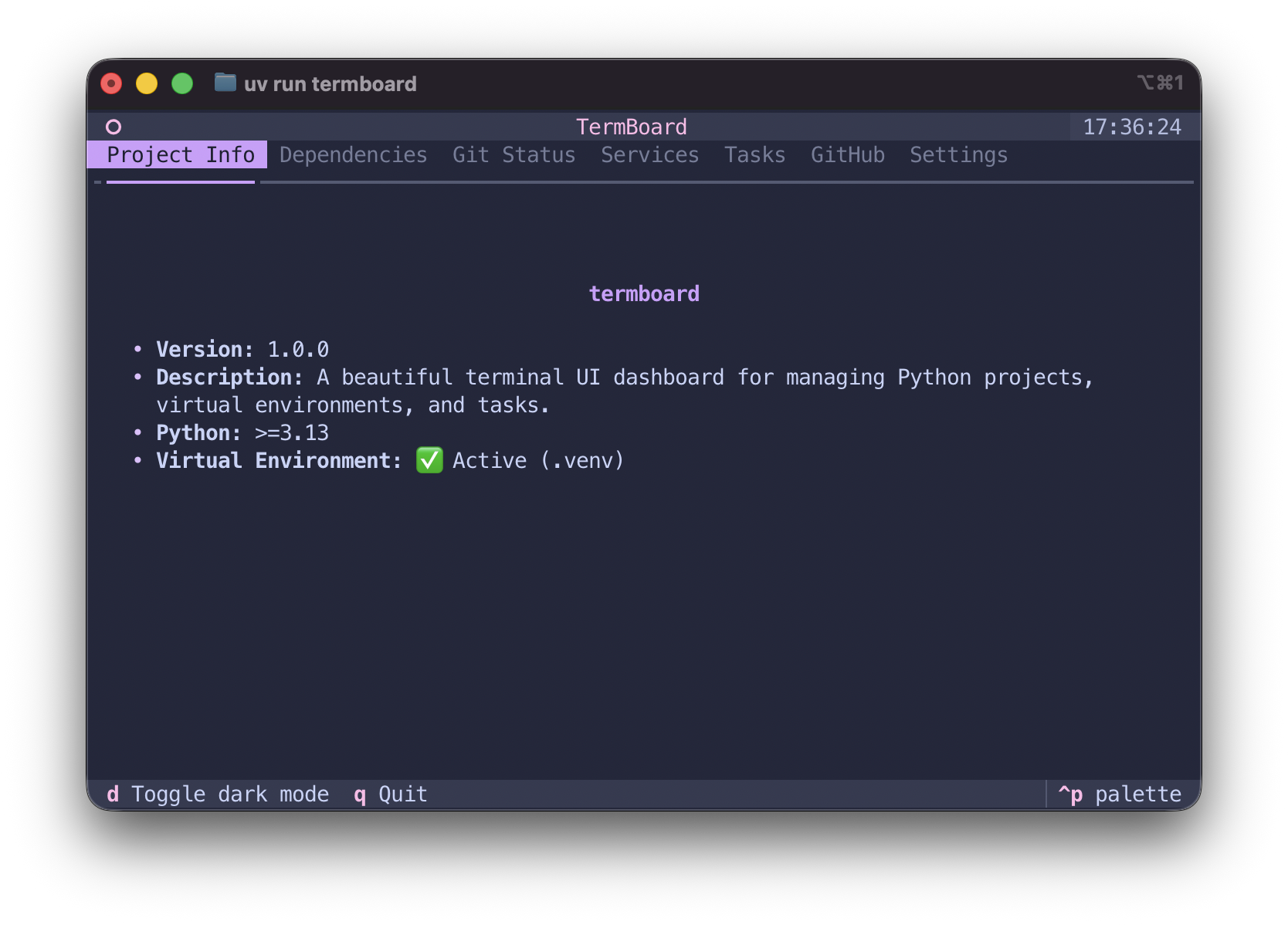
📋 Project Info
Instantly see your project's version, python requirements, and virtual environment status.
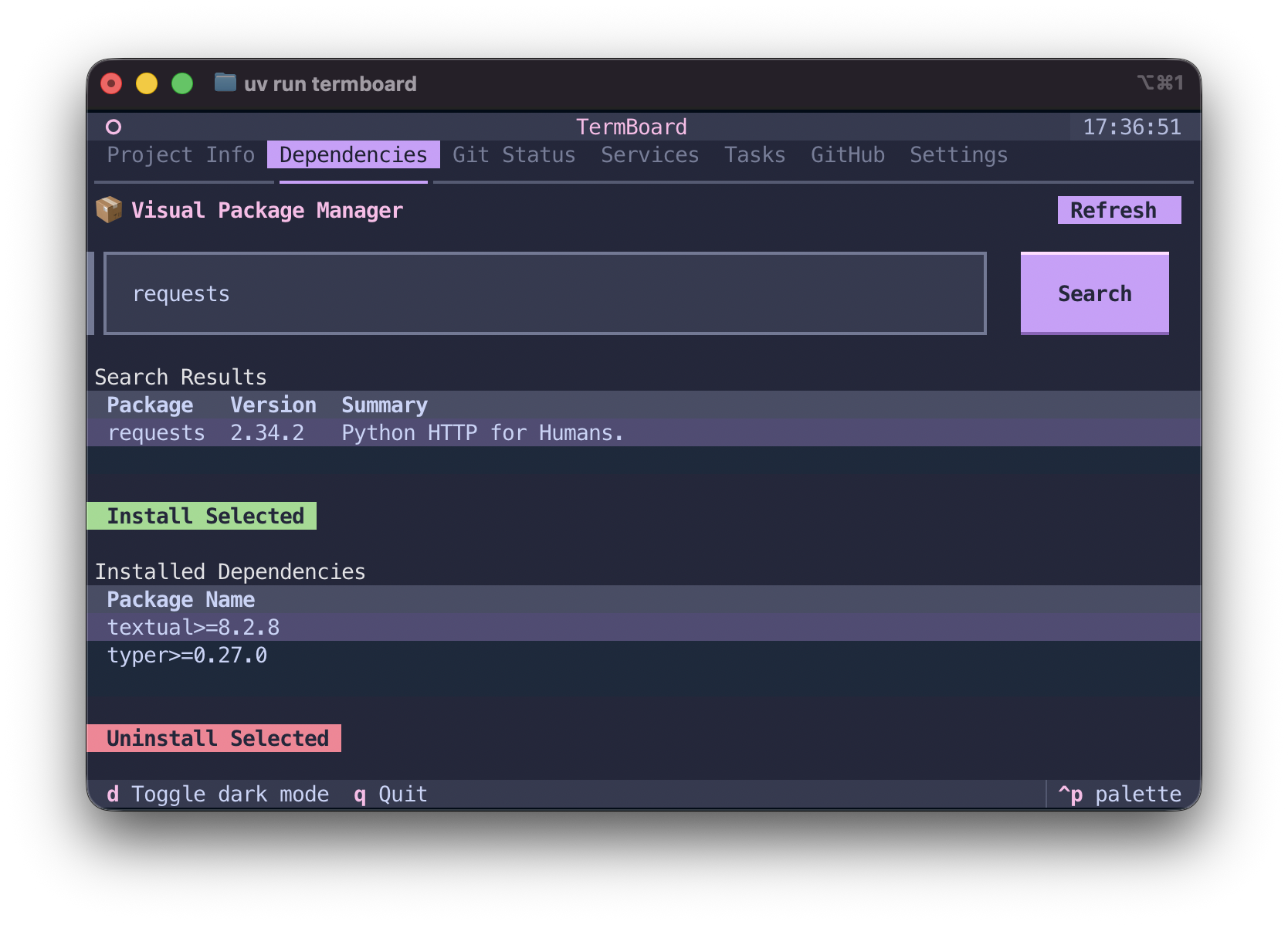
📦 Visual Package Manager (PyPI)
Search PyPI for packages, read descriptions, and install directly using uv add natively in the terminal.
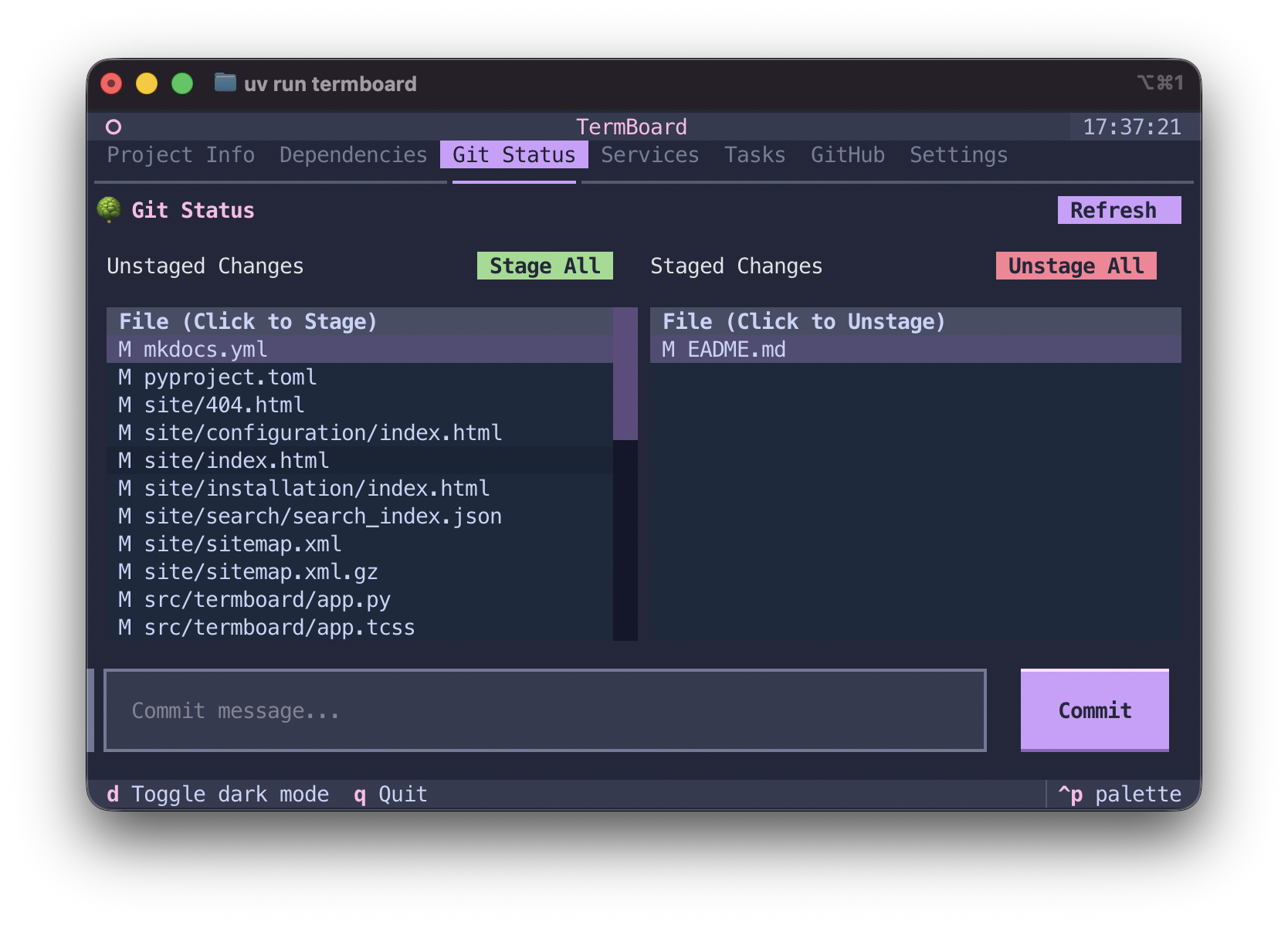
🌿 Git Integration
Shows current branch, uncommitted changes, and provides actions to stage, unstage, commit, and push.
🐳 Docker Services
View, start, stop, and delete running Docker containers without leaving the dashboard.
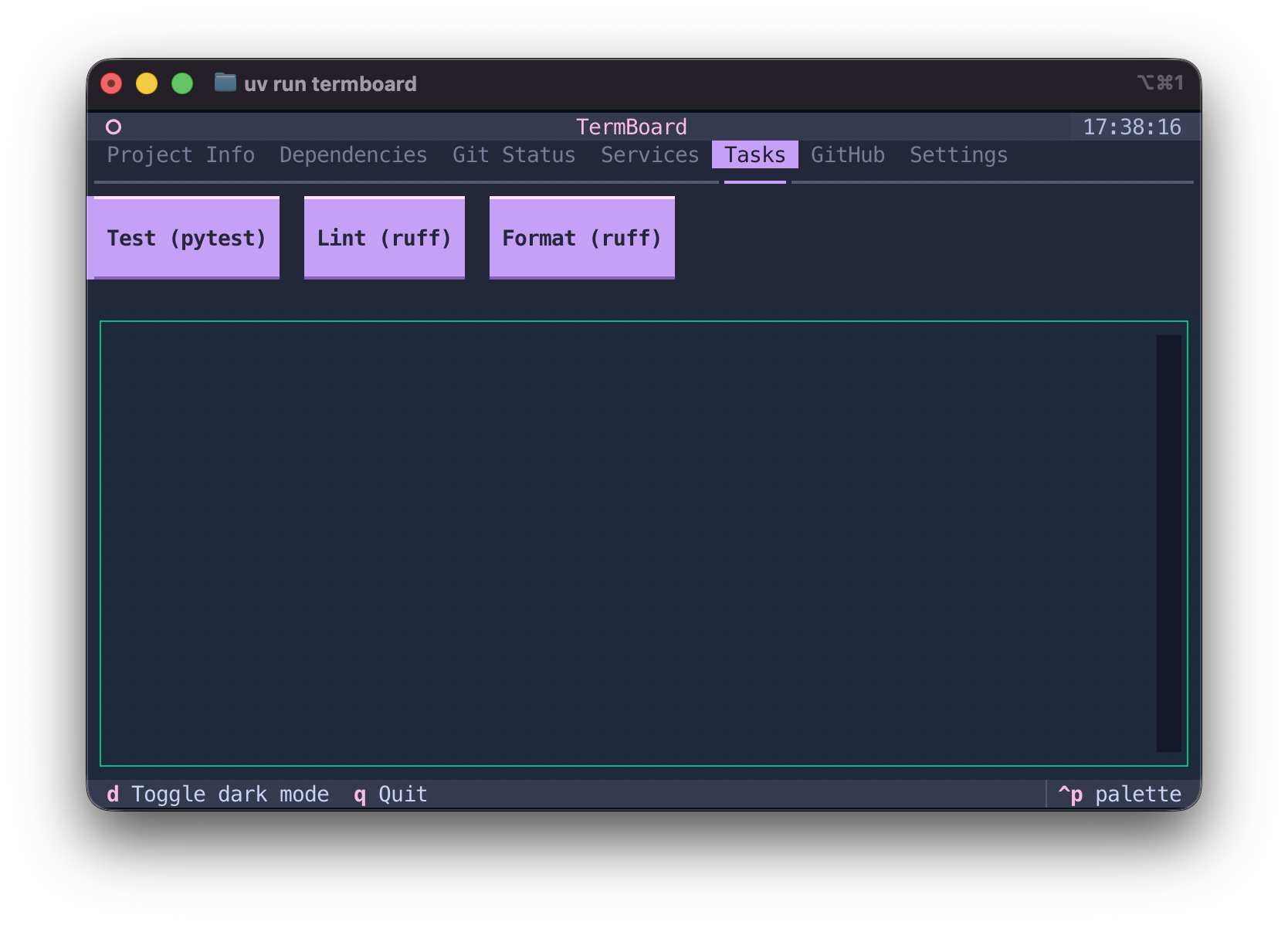
🚀 Task Runner
Define and execute custom project tasks via ./termboard.toml or ~/.termboard.toml. Toggle interactive tasks to suspend the UI!
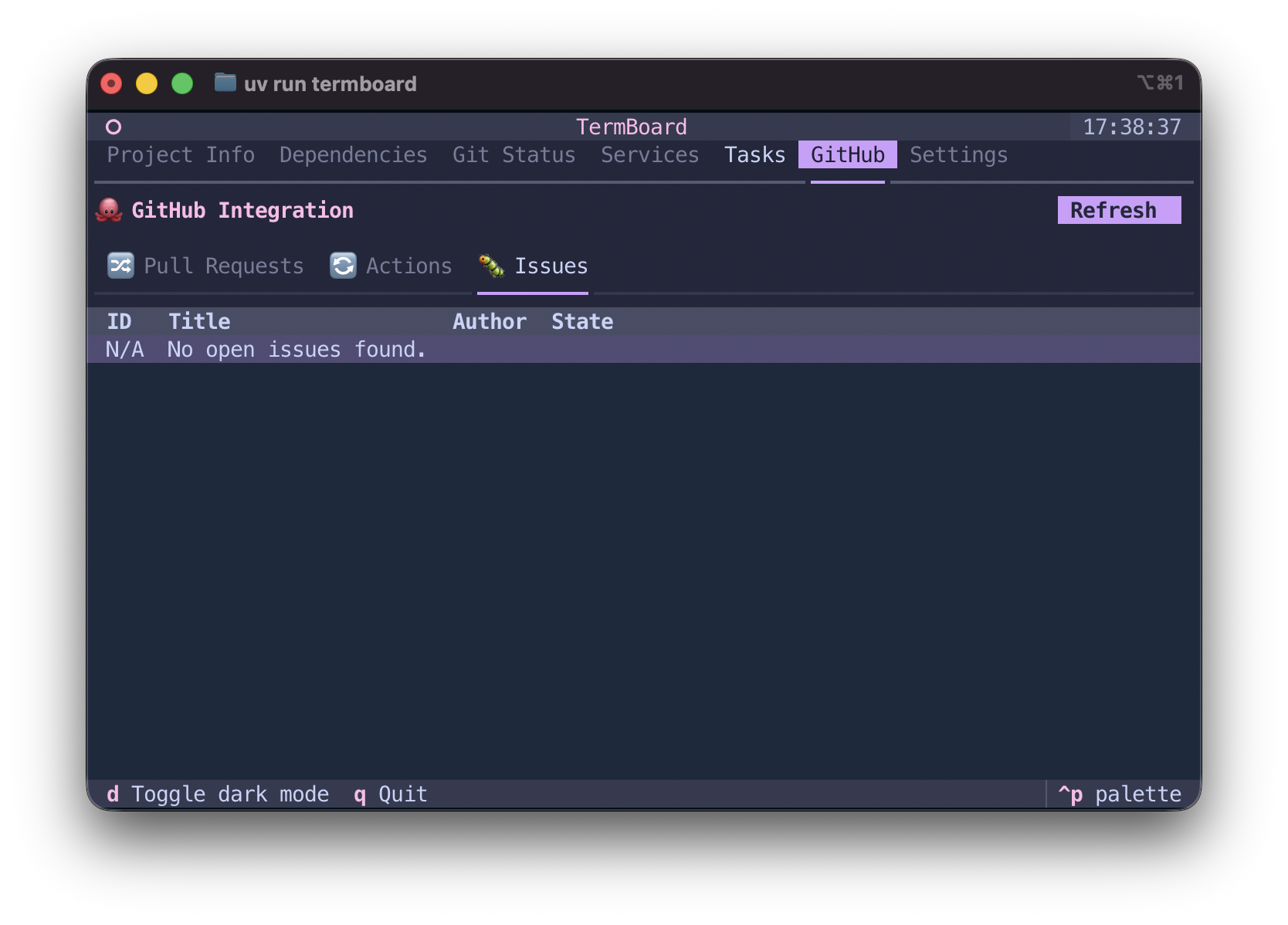
🐙 GitHub Integration
Browse active pull requests, monitor GitHub Actions workflow statuses, and track Issues natively.
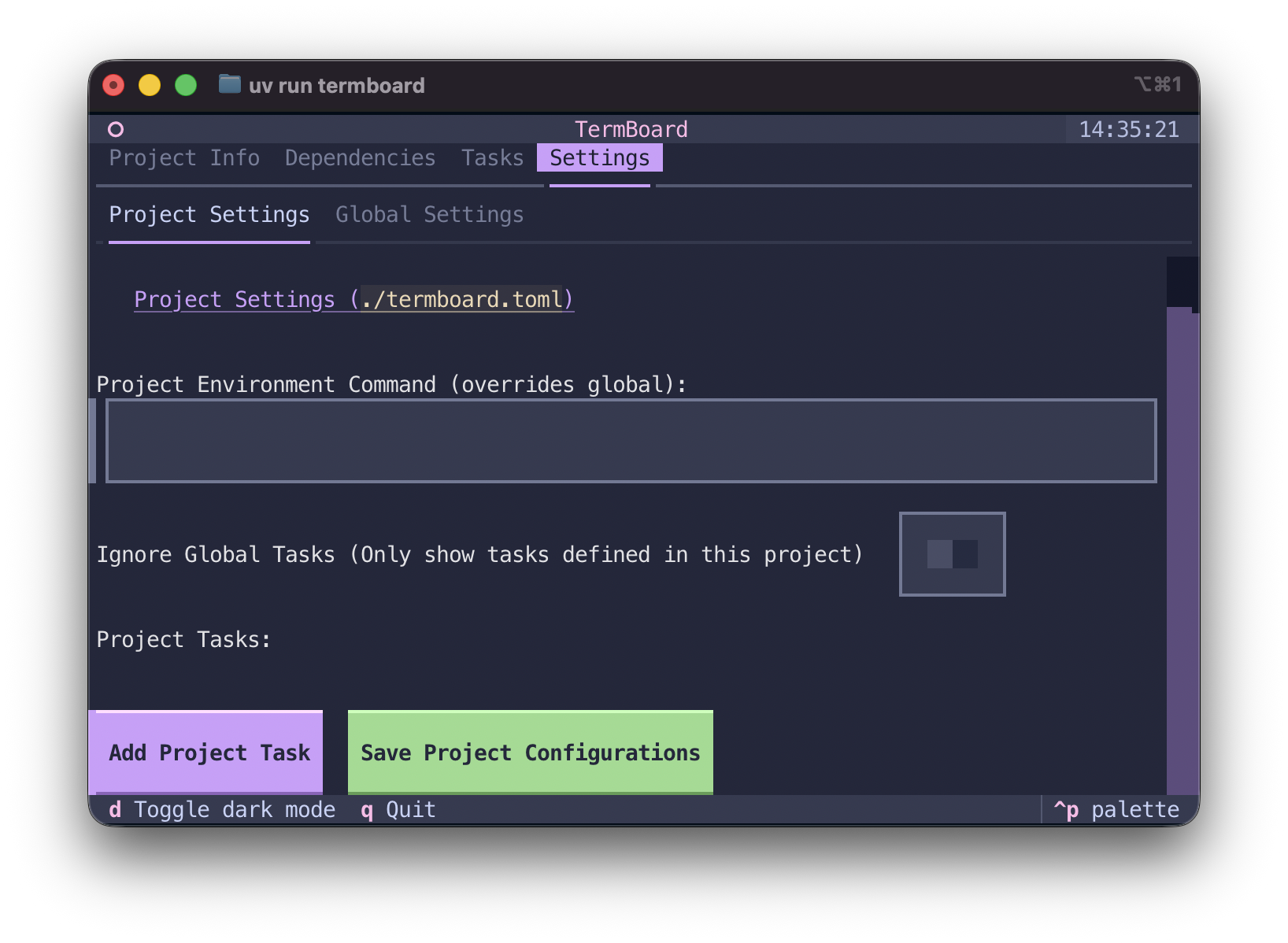
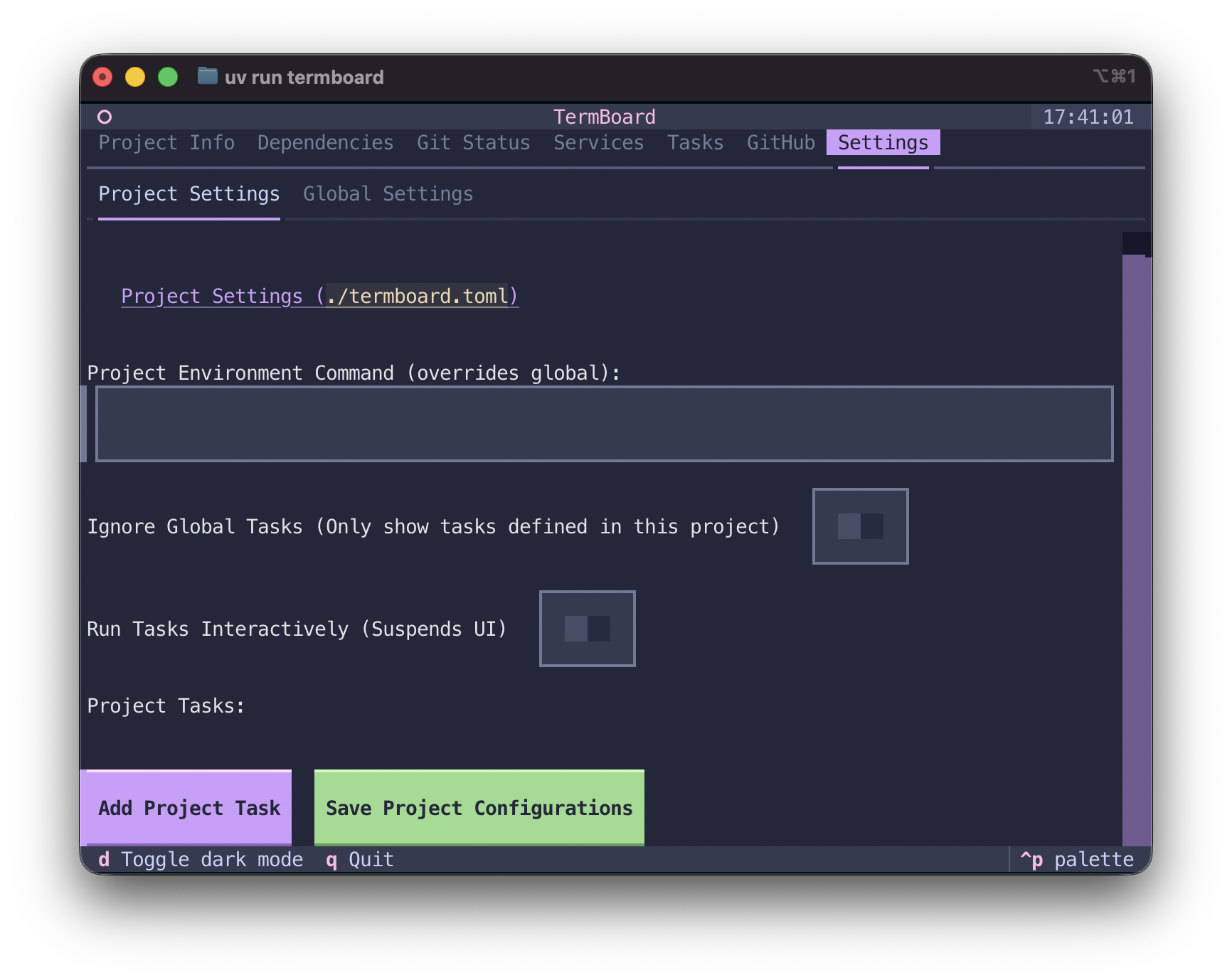
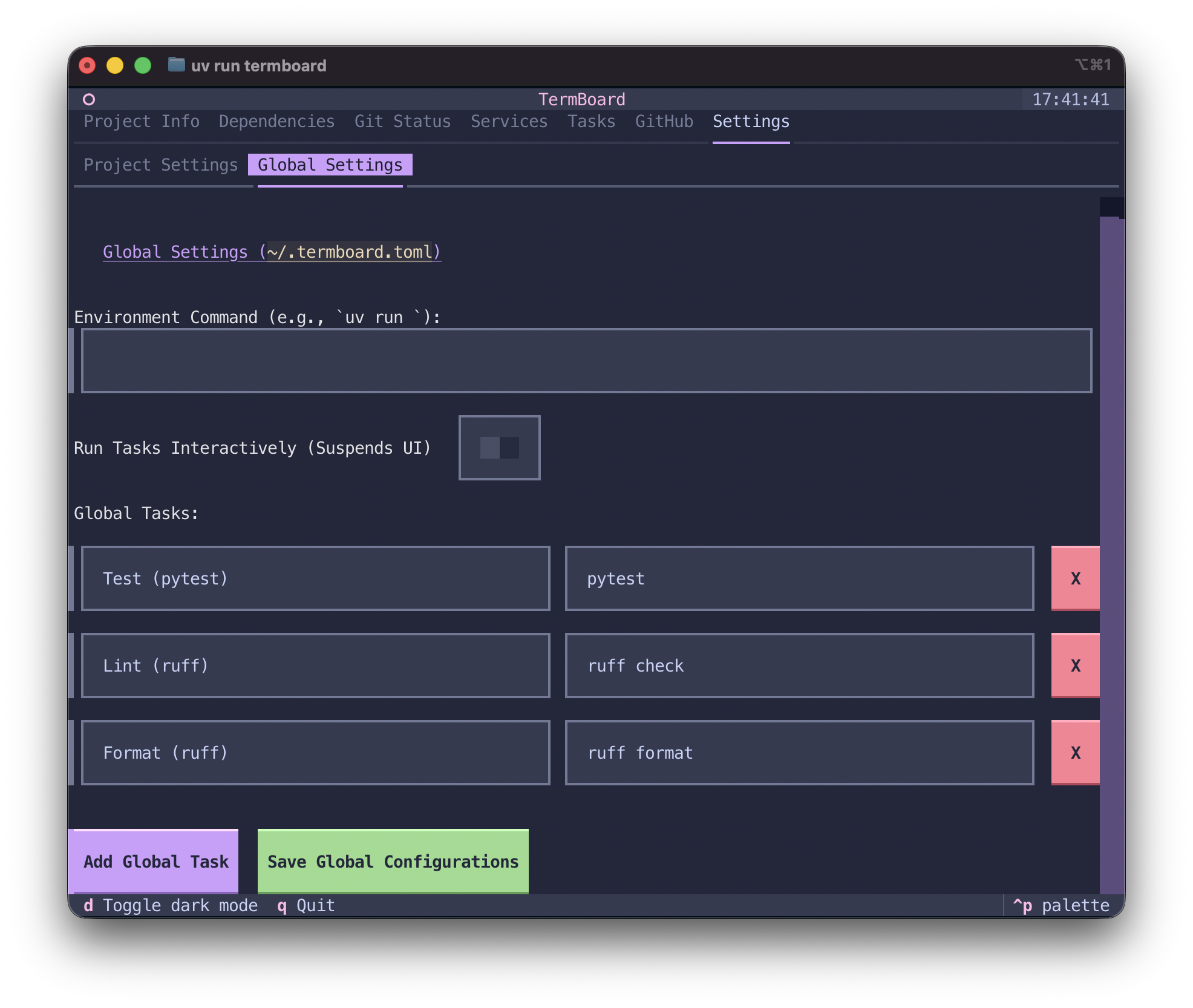
⚙️ In-App Settings
Override environment variables, add new custom tasks, and save configurations either project-wide or globally.
📁 Global Workspaces
Easily switch between your recent projects using the Ctrl+P Quick Switcher. TermBoard remembers where you've been.